




Bendigo’s Trusted and Reliable
ONSITE MS OFFICE TRAINING
Personalised Microsoft Office training for Word, Excel, PowerPoint and Outlook, beginner to advanced.


MS Office Training
We provide personalised one-on-one and group Microsoft Office training for Mac and PC users, delivered at your home or workplace throughout the Bendigo area.
Our flexible training is tailored to your needs, from beginner to advanced levels, covering Microsoft Word, Excel, Outlook, PowerPoint and Project. Rather than following a set course, we focus on the skills and features you want to learn, at a pace that suits you.
With over 20 years of Microsoft Office experience and a Certificate IV in Training and Assessment, our team offers practical, hands-on guidance. We can also assist with Microsoft 365 setup for home and business users.
We support university and TAFE students with personalised mentoring and coaching, particularly in Microsoft Excel, helping them develop the skills and confidence needed to complete their coursework.
Microsoft Word Basic
Learn the essentials of Microsoft Word, from document formatting to creating tables and templates.
Basic Letter Writing
Tables, Margins
Text Formatting
Find / Replace
Create Tables & Templates
Columns

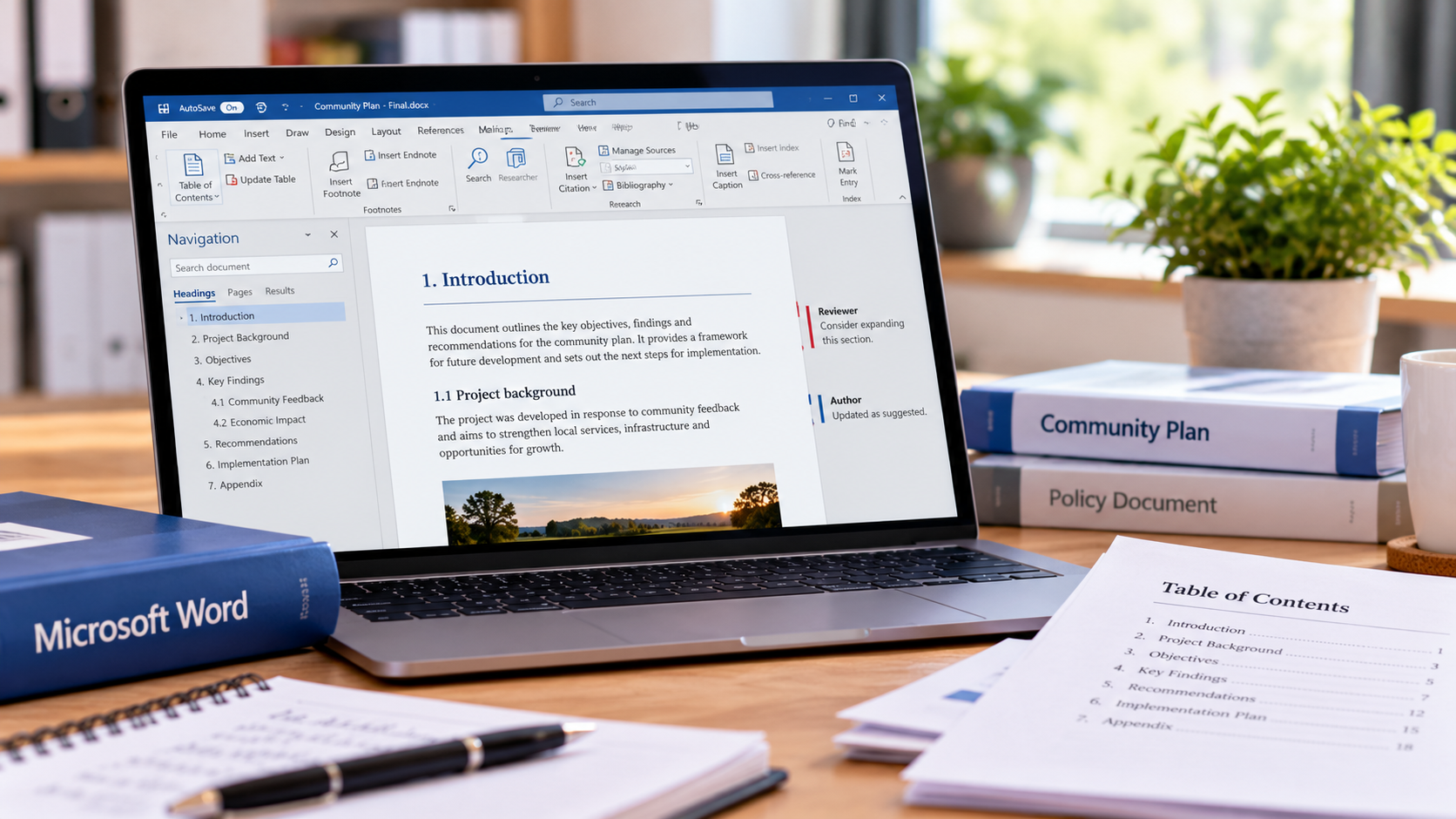
Microsoft Word Advanced
Build your Microsoft Word skills with advanced formatting, document management and professional features.
Merge letters
Track Changes
Headers & Footers
Table of Contents
Cross References
Borders & Shading
Indexing
Microsoft Excel Basic
Learn the essentials of Microsoft Excel, from basic formulas and formatting to organising and managing data.
Simple Formulas
Formatting Cells
Data Sorting & Filtering
Multiple Worksheets
Database Operations

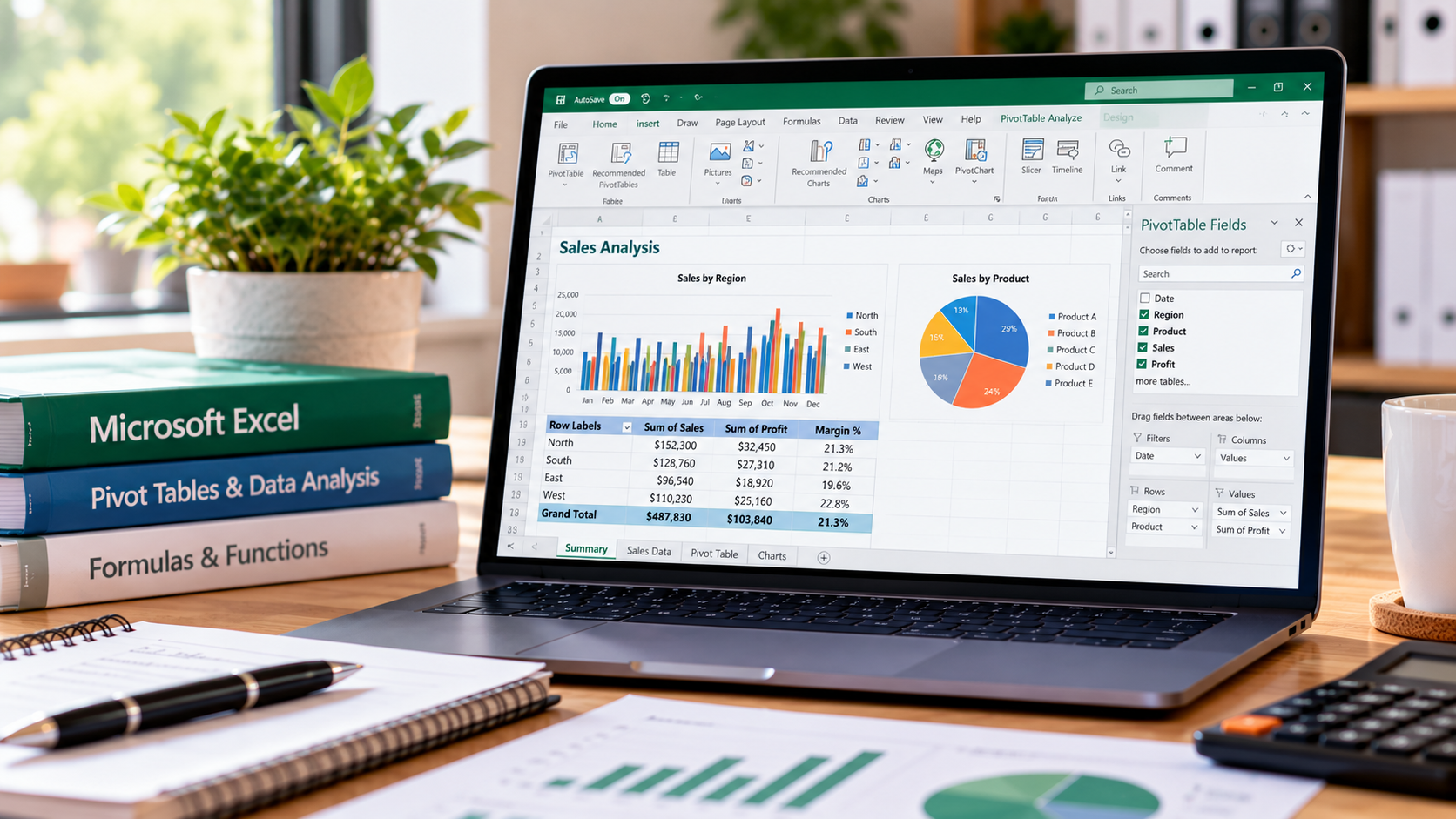
Microsoft Excel Advanced
Take your Microsoft Excel skills further with advanced formulas, data analysis, PivotTables and charts.
Advanced Formulas
Pivot Tables
Graphs
Data Filters
Microsoft Powerpoint
Learn to create professional PowerPoint presentations with customised slides, layouts and automated slideshows.
Creating Slides, Layouts & Background
Automating Slideshows

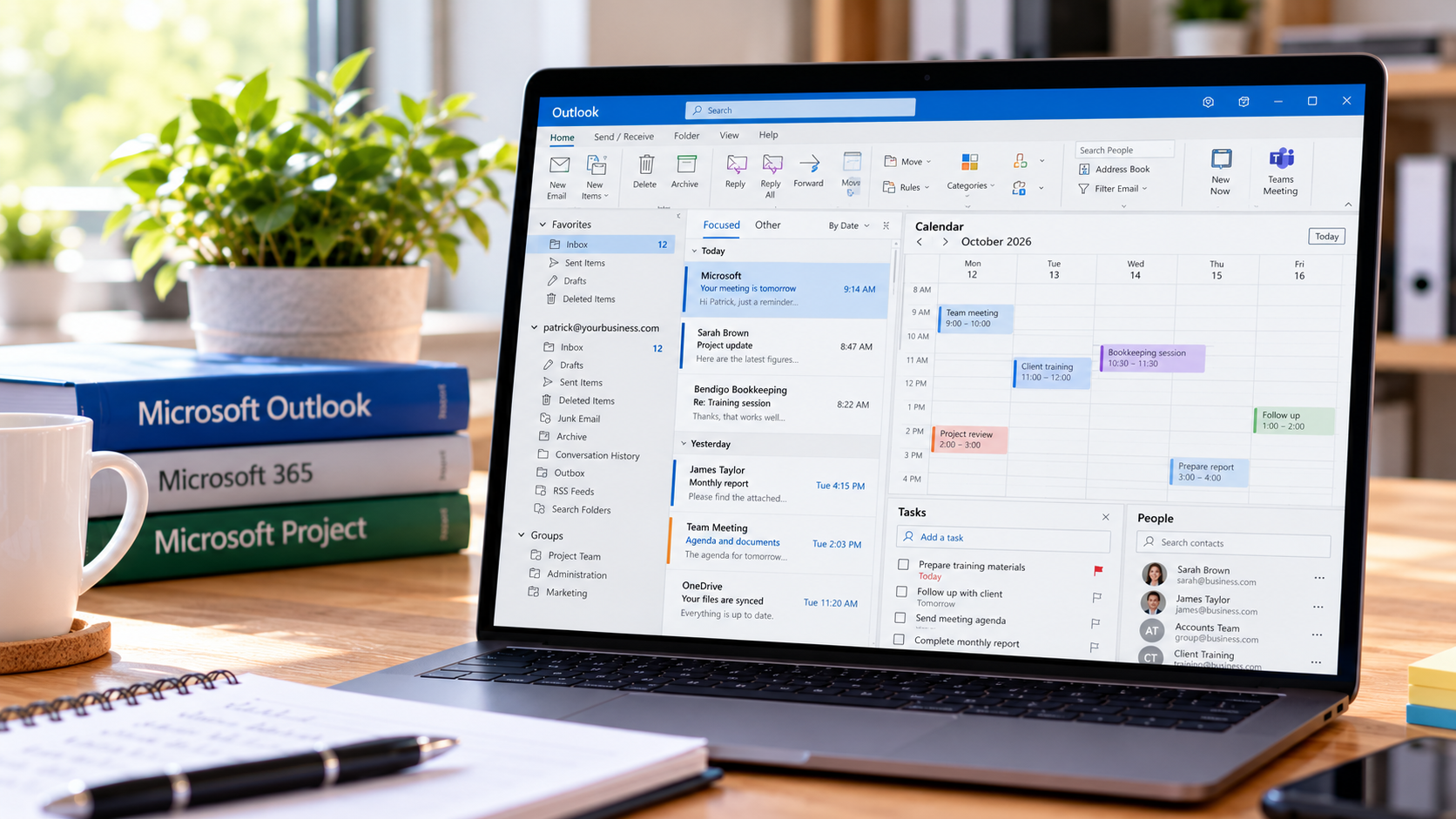
Microsoft Outlook
Learn to manage emails, contacts, calendars and meetings efficiently with Microsoft Outlook. Training also available in Microsoft Project.
Organise and work with mail folders
Use the search facilities to locate messages and other Outlook items
Work with message views
Outlook Distribution Lists
Create and work with colour categories
Monitor and manage your contacts within Outlook
Schedule meetings using Outlook
- Rescheduling
- Adding additional attendees
- Forwarding meeting requests
- Cancelling meetings
- Recurrent meetings